
The Apartment
Photos, tips, and how-tos for everything in the apartment
View on Airbnb
See all photos of the apartment
Entering the Apartment
- 1
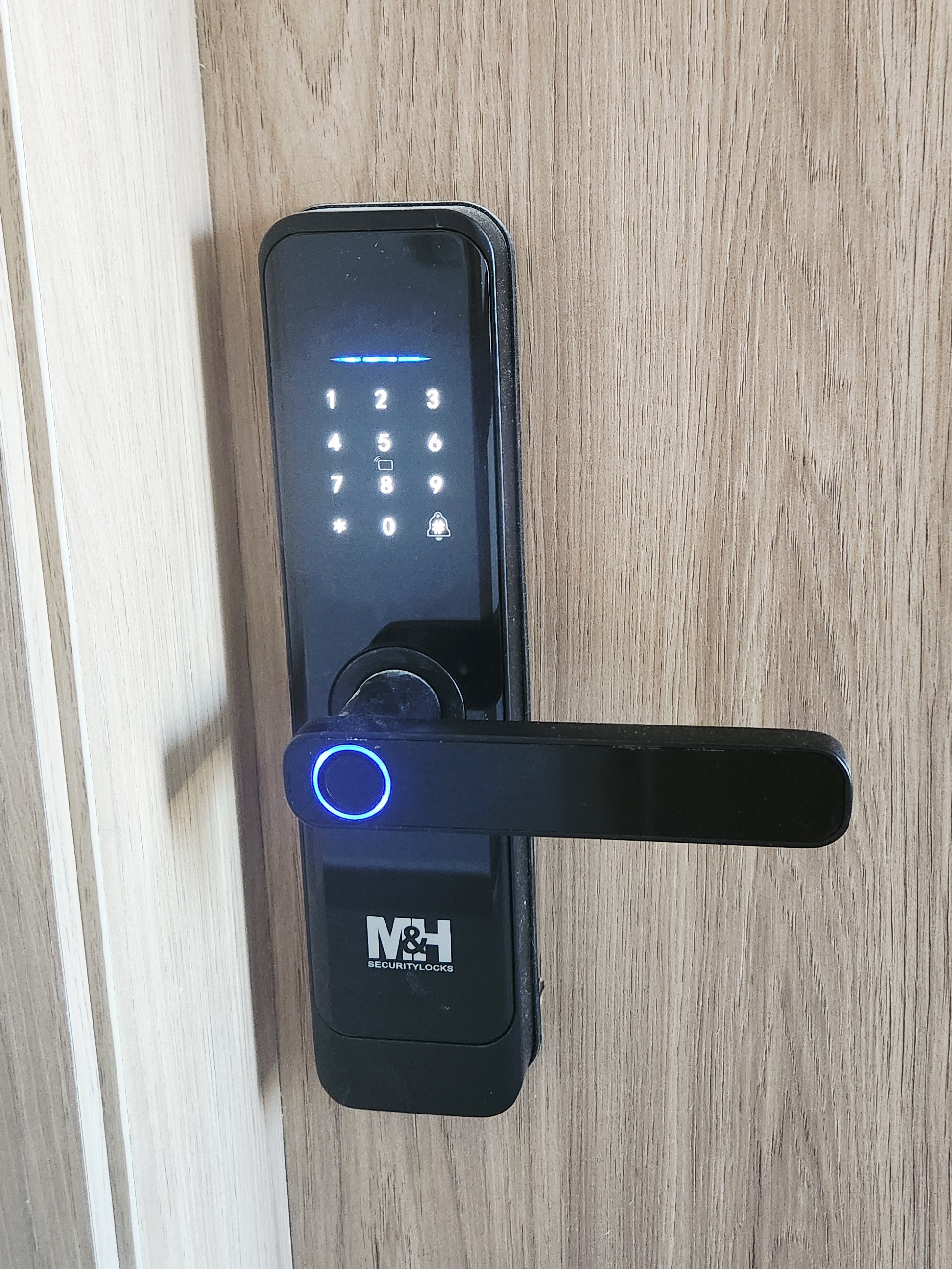
You need a code to enter the apartment — you will receive the access code once your booking is confirmed. Please note this acces code will become active 1 hour prior to your check-in time.
- 2
At the door, touch the screen to wake up the smart lock.
- 3
Enter the code you received, then press # key to unlock the door.
- 4
The code will expire 12 hours after your check-in time, you must use the card key inside the apartment to enter and exit after that.
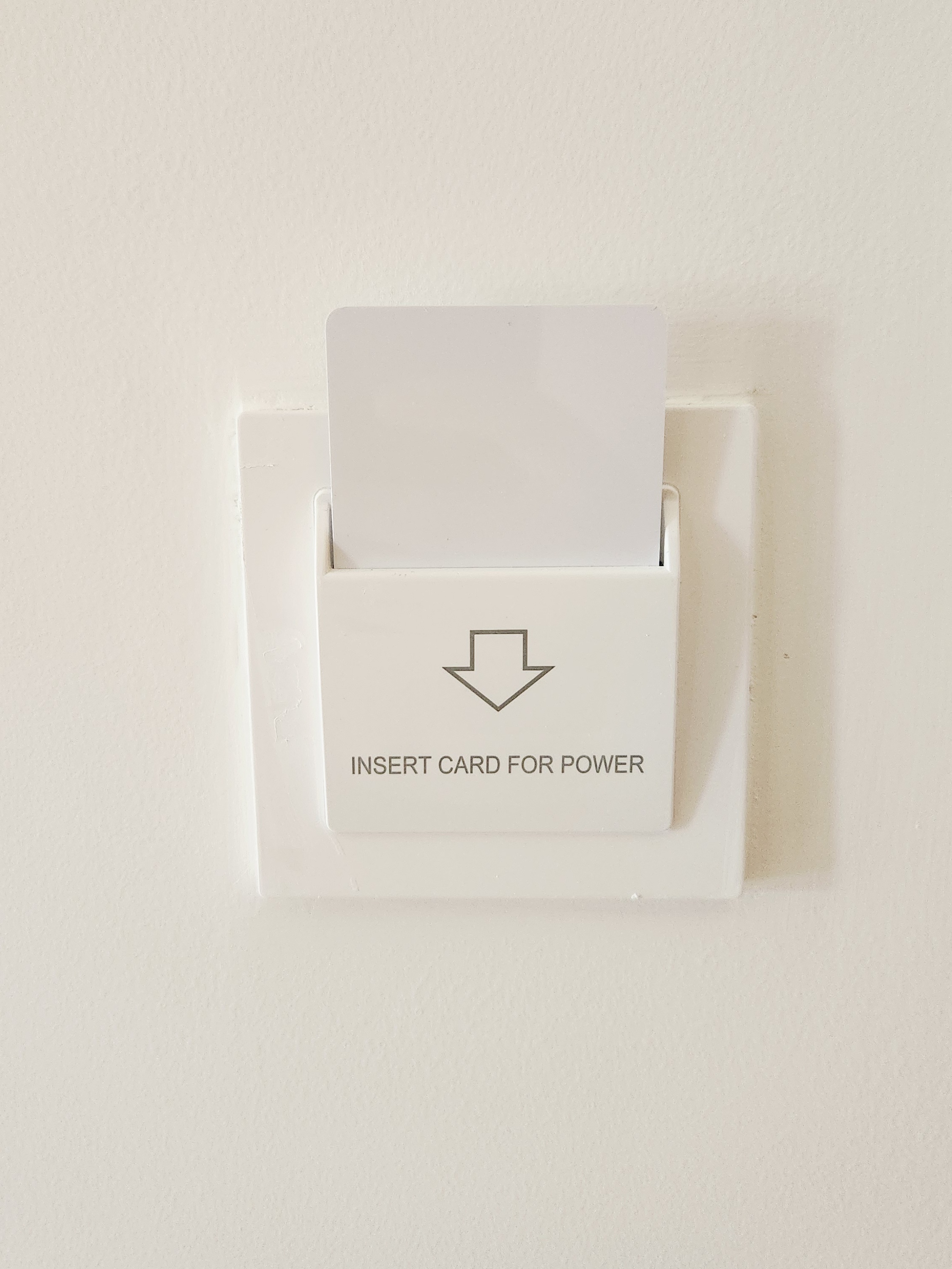
Card Holder
- 1
You will find the key card on the dining table. This key card is used to activate the electricity in the apartment and to enter the apartment, so please keep it with you during your stay. DO NOT leave it in the apartment when you go out.
- 2
Insert your key card into the slot on the wall near the entrance to activate the electricity.
- 3
The electricity activates within a few seconds — lights, AC, and all outlets will work. Some things keep power even without the card, such as the fridge, internet, and wall fan.
- 4
When you leave, please take the key card with you to enter the apartment.
- 5
Do not lose the key card. A replacement fee of $20 USD will apply if the card is lost.
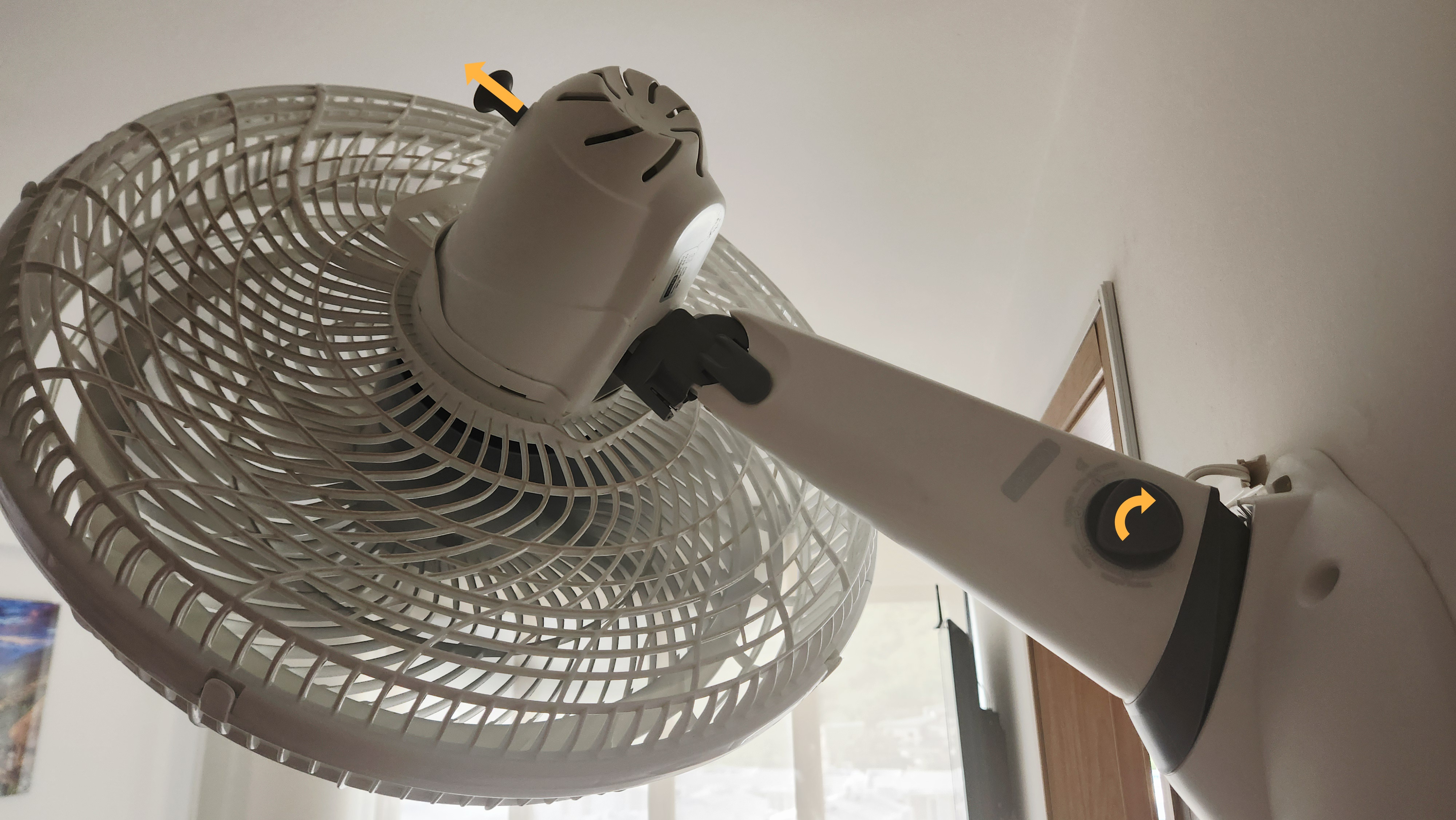
Wall Fan
- 1
Turn right the dial on the fan to turn it on.
- 2
The first click is max speed, the second lowers the speed and so on. Turn left all the way to turn it off.
- 3
The fan moves side to side to circulate the air. You can stop it in one position by pulling the small lever on top of the fan.
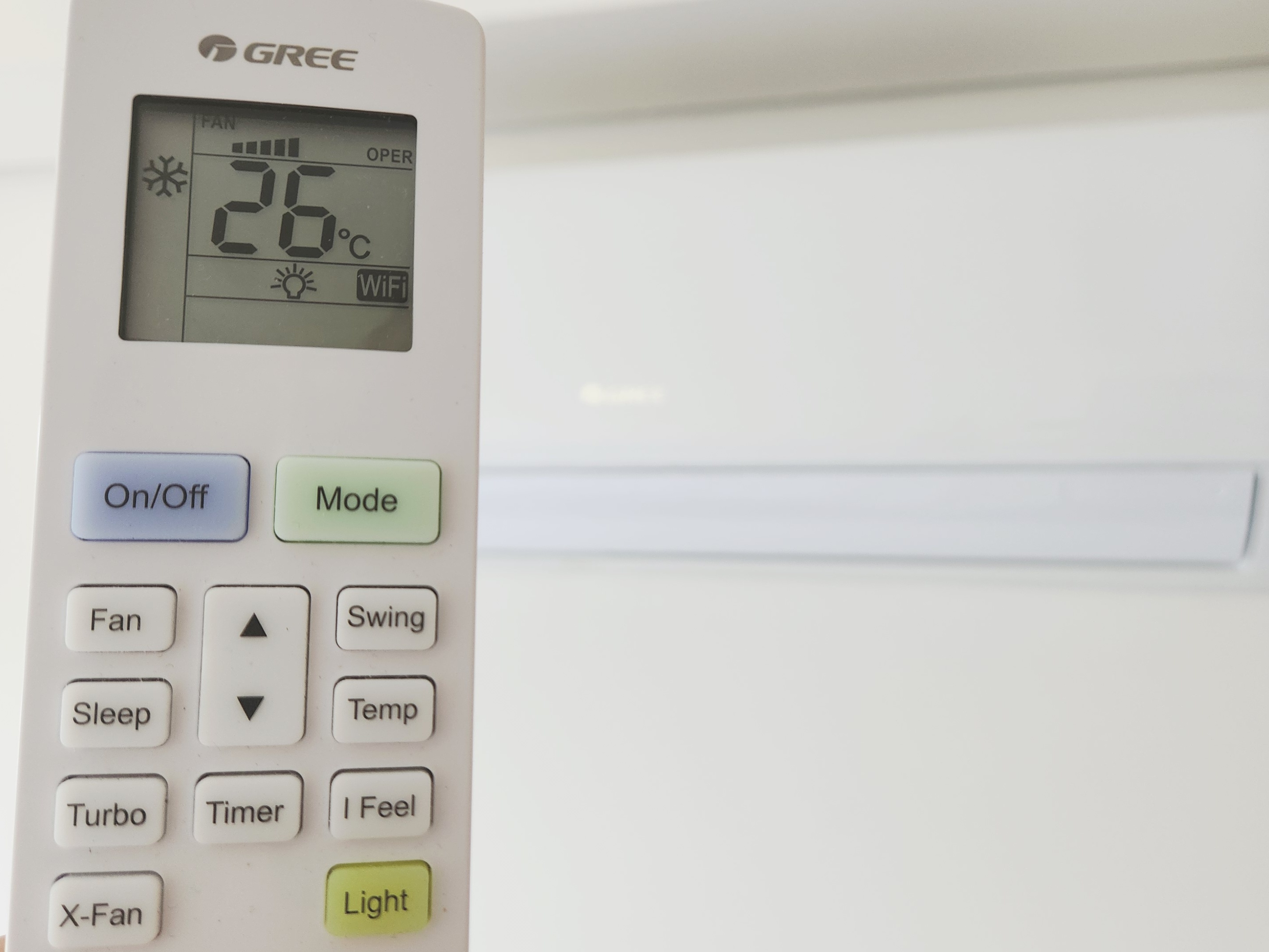
Air Conditioning
- 1
Use the remote control to turn the AC on and off.
- 2
Press the Mode button to switch between Cool, Fan, and Dry modes.
- 3
To enjoy a comfortable night's sleep, we recommend setting the AC between 23°C and 25°C and pressing the 'Sleep' button. This mimics your body’s natural cooling cycle and prevents you from waking up too cold in the middle of the night!
- 4
Setting the AC too low can damage the unit and cause it to freeze up. The unit cools at the same speed regardless of how low it is set!
- 5
Make sure windows and doors are closed when the AC is on to keep the cool air in and save energy.
- 6
Please turn it off when you leave the apartment — the card holder will also cut it automatically.
Microwave
- 1
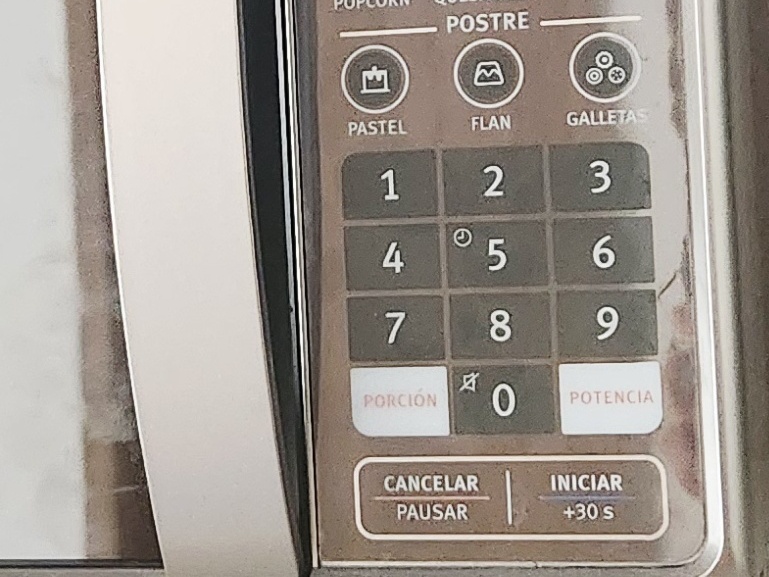
Place your food inside and close the door firmly.
- 2
Press 'Iniciar' to start the microwave. It will run for 30 seconds at a time.
- 3
Use the digital pad to add more time in 30-second increments if needed.
- 4
The microwave beeps when done. Open the door to stop it early.
Television
- 1
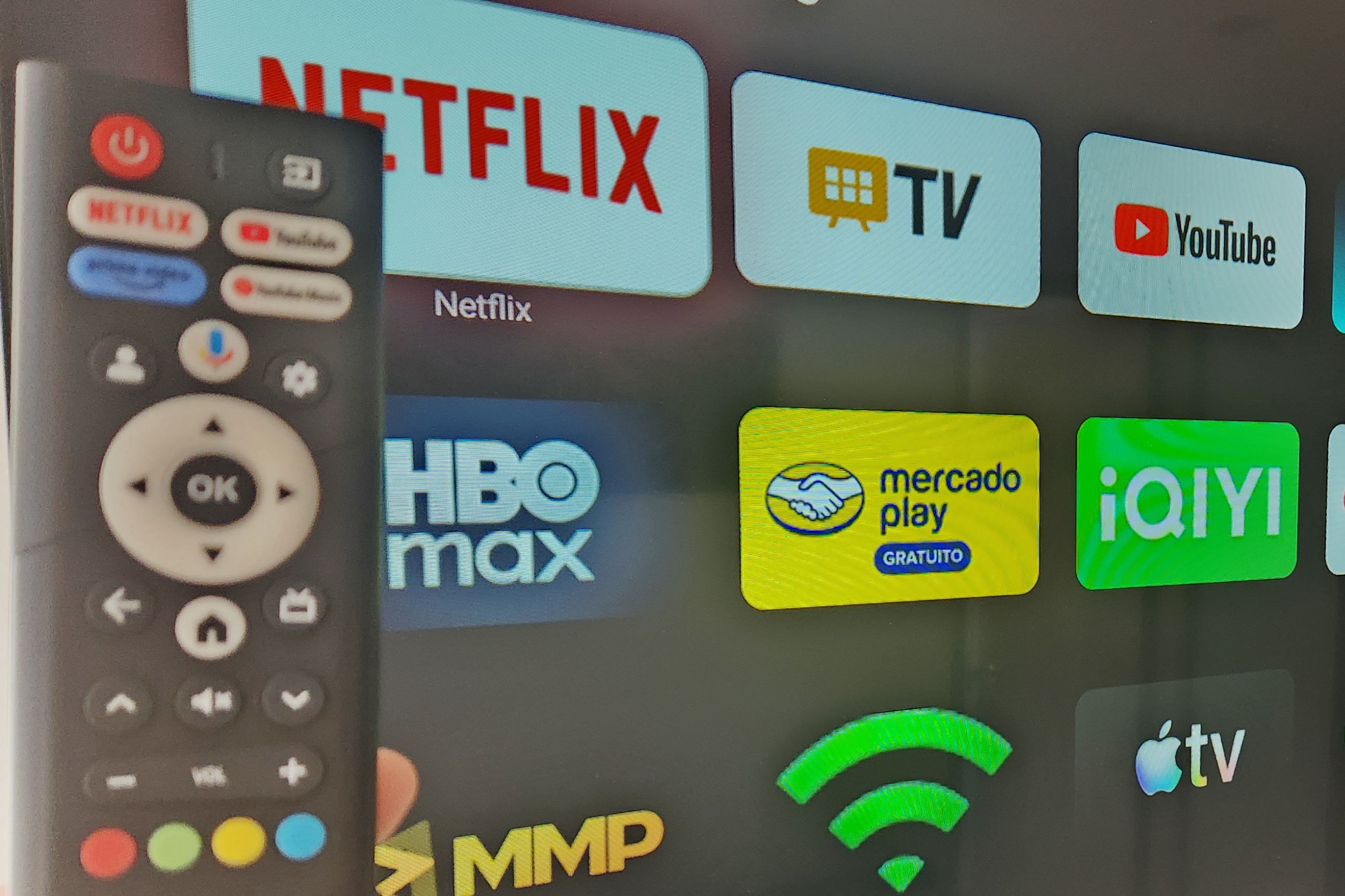
Press the red power button on the remote to turn the TV on.
- 2
Choose from the app menu to switch between local TV or your favorite streaming apps.
- 3
Some apps are free to use, such as Youtube, MercadoPlay, PlutoTv and Plex
- 4
Press the home button on the remote to return to the main menu at any time.
Refrigerator
- 1
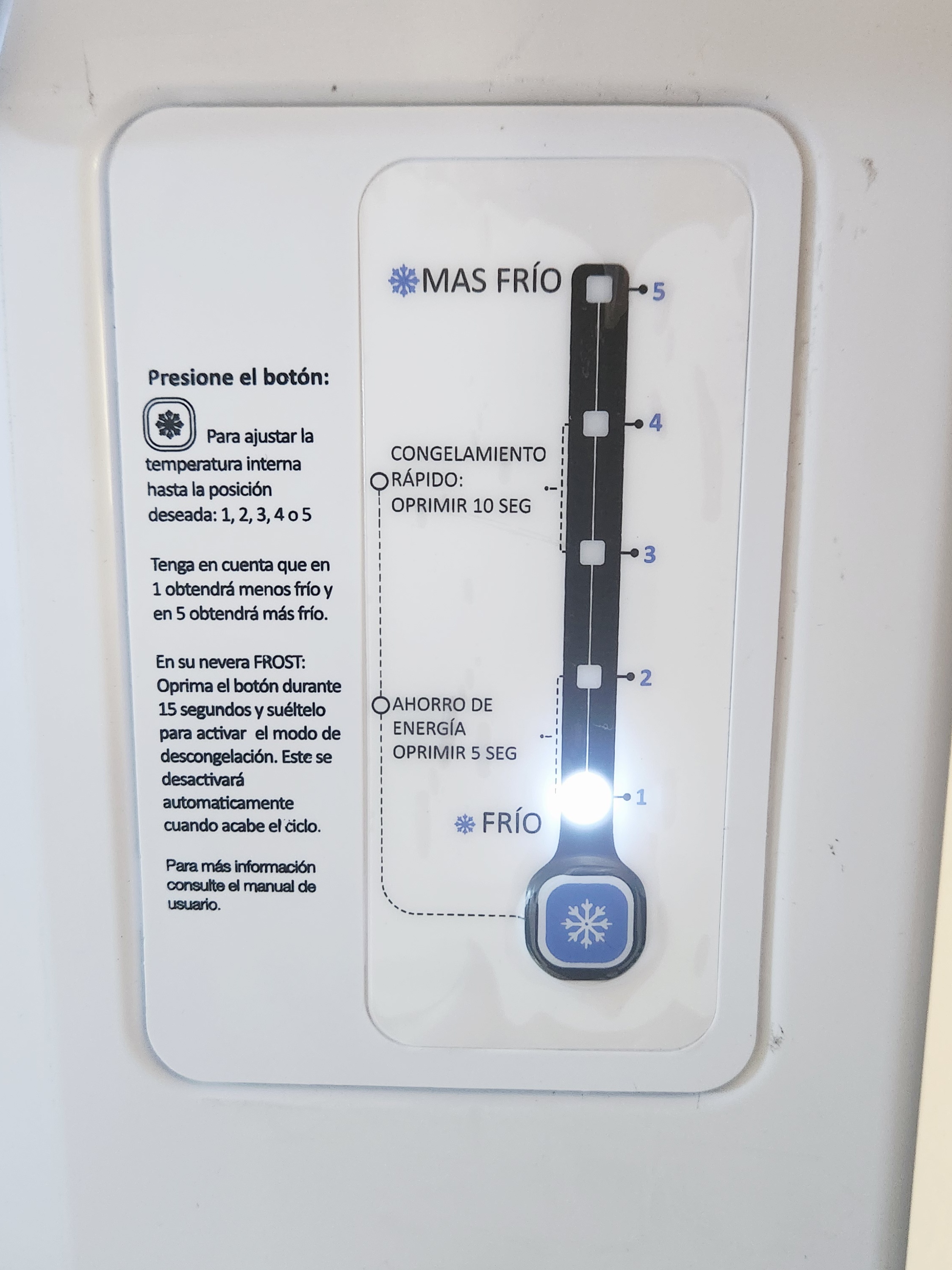
The fridge is already set to an ideal temperature — no adjustment needed.
- 2
The freezer compartment is at the top. Use it for ice or frozen items.
- 3
Please empty and wipe down the fridge before you check out.
Futton Sofa Bed
- 1
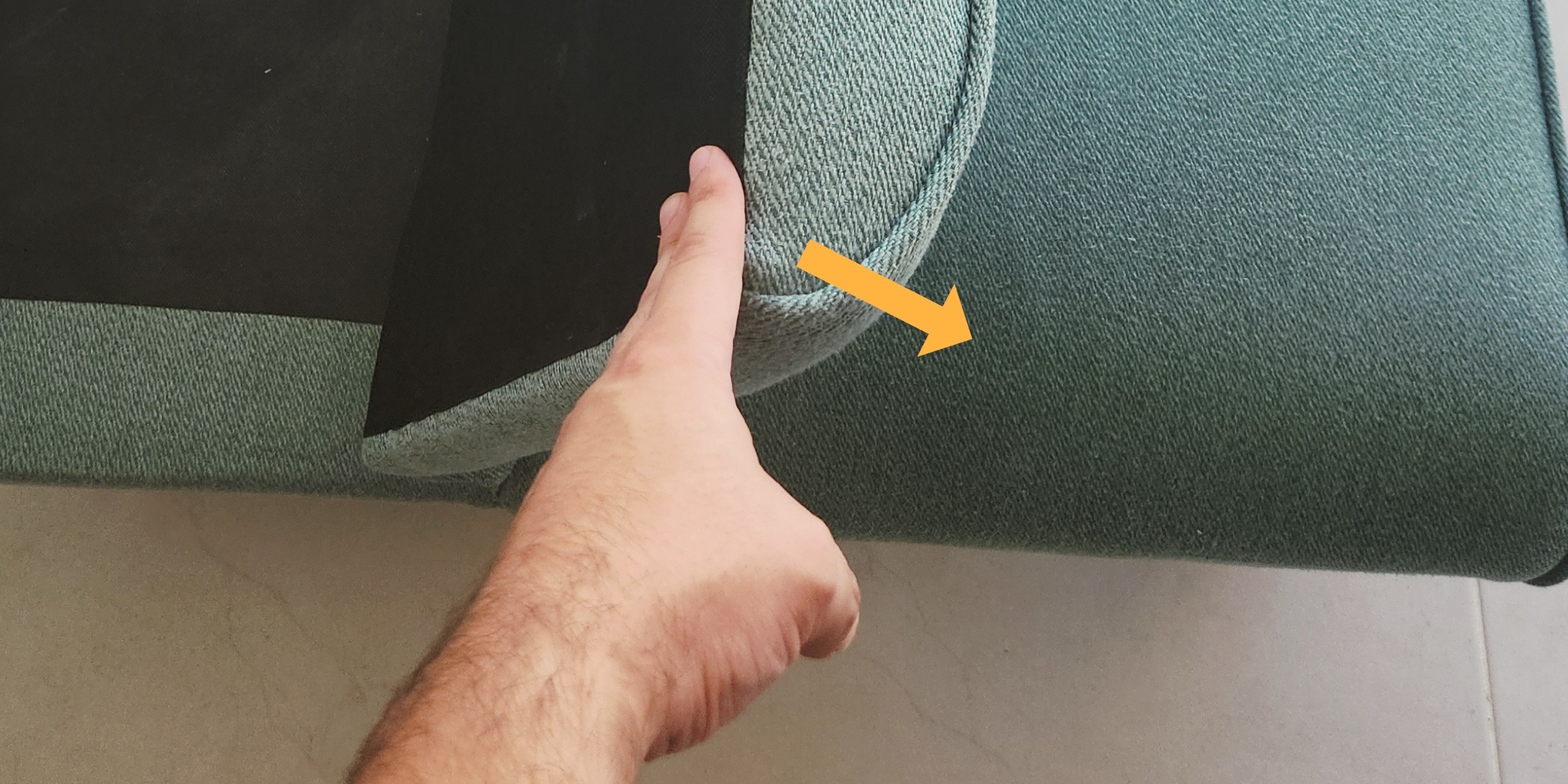
Remove the cushions and set them aside.
- 2
Push down the back support to fold the sofa down into a bed.
- 3
Pull up the back support, hear the click and push it back down to return to sofa mode.
Any questions? We're here for you
Please don't hesitate to reach out if you have any doubts about anything in the apartment — we're happy to help make your stay as comfortable as possible.